

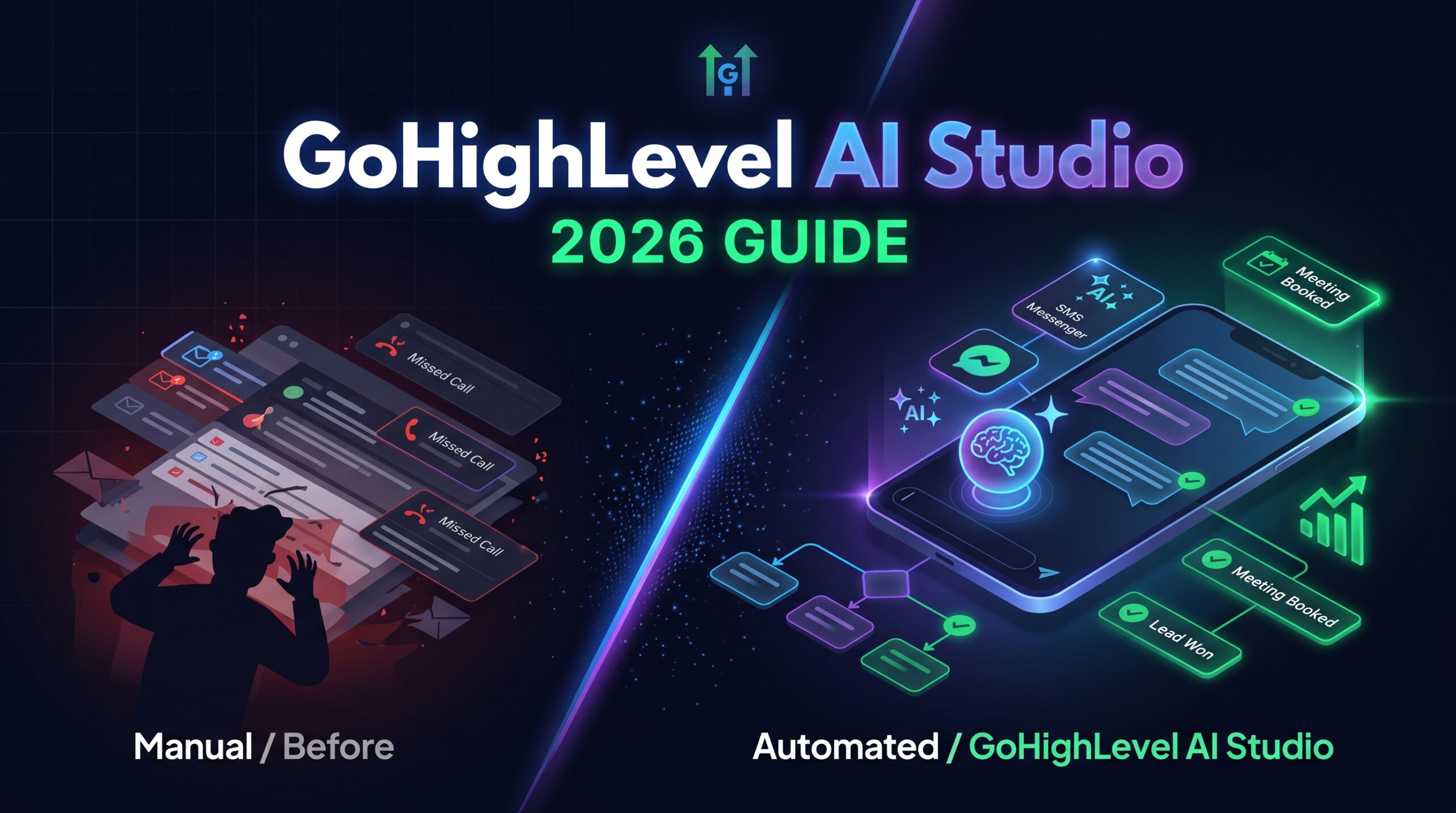
GoHighLevel AI Studio is HighLevel’s prompt-based builder that turns a plain-English description into a live website, landing page, booking page or small web app, with forms and calendars that can feed straight into your CRM. For agencies, coaches and local service businesses, it promises to shrink a day of page building into a few minutes of chatting.
The details, however, have moved quickly. Access is now off by default, new projects run on a server-side rendering framework, and pricing is usage-based rather than a flat feature on every plan. Many older guides still describe a launch-era free period that no longer applies.
This guide explains what GoHighLevel AI Studio does, what it costs in October 2026, how to build and publish a first site, and where it still falls short.
TL;DR:
- Build websites faster: GoHighLevel AI Studio creates websites, landing pages, booking pages, forms, and small web apps from simple text prompts.
- Usage-based pricing: Pay per use, or choose AI Employee Growth at $50/month or Unlimited at $97/month per sub-account, on top of your regular HighLevel plan.
- Affordable AI builds: HighLevel’s examples range from around $0.60 to $1.30 per build, depending on complexity and image generation.
- CRM and automation integration: Connect forms, calendars, and workflows to manage leads, book appointments, and automate follow-ups.
- Improved SEO foundation: New projects use server-side rendering (SSR), helping search engines access page content more effectively.
- Access must be enabled: AI Studio access is off by default for most users, so an agency admin may need to enable it and assign the correct permissions.
- Know the limitations: Forms and calendars require manual connection and testing, AI-generated content needs human review, and projects cannot be transferred to HighLevel’s classic Funnels or Websites builders.
- Best for agencies and service businesses: It’s a strong option for quickly launching CRM-connected landing pages and booking flows, but less suitable for standalone websites requiring long-term flexibility.
What Is GoHighLevel AI Studio?
GoHighLevel AI Studio is a conversational website and web-app builder that sits inside each HighLevel sub-account. You describe what you want, it asks a few design questions if your brief is vague, then it generates the pages, copy and images and shows a live preview you refine by chatting.
Definition: GoHighLevel AI Studio (also called HighLevel AI Studio) is an AI builder that generates websites, landing pages, forms and small web apps from text prompts, templates or uploaded images. For agencies and service businesses, the benefit is speed: a first draft of a client page without opening a drag-and-drop editor.
According to HighLevel’s help documentation, it can build landing pages inspired by a reference URL, storefronts using your own photos, dashboards, appointment booking pages tied to your calendar, multi-step surveys and branded forms. Some users nickname it “GHL vibe coding” because the builder opens on a /vibe address.
AI Studio vs Funnel AI vs Agent Studio
The three names overlap, and mixing them up is the most common cause of billing surprises. Here is how they split:
| Tool | What it builds | Cost model |
|---|---|---|
| AI Studio | Websites, pages, forms and web apps from a prompt | Pay per use, or included in AI Employee plans |
| Funnel AI | Sections inside the classic Funnels and Websites builder | Free on every plan |
| Agent Studio | AI agents that handle conversations, calls and tasks | Token cost on every plan |
In short, AI Studio builds pages, Agent Studio builds agents, and Funnel AI assists inside the older builder. One limit matters before you start a client job: AI Studio projects cannot be moved or copied into the classic Funnels or Websites builders.
What Has Changed in GoHighLevel AI Studio Recently?
The biggest recent changes to GoHighLevel AI Studio are a rollout to all locations with access switched off by default, a move to server-side rendering, and stronger usage controls. Each one affects how you set it up and what you can build.
- Access off by default. Only people who had already enabled it in HighLevel Labs kept access. Everyone else needs an agency admin to switch it on.
- Server-side rendering (SSR). New projects are full web apps built on the TanStack Start framework, so search engines and link previews see real titles, headings and copy. They can also run private server code, expose API endpoints and store keys in a secrets area.
- Optional migration. Older projects stay on their original React setup. A Migrate option in Project Settings creates a converted copy named with “(TanStack)”, leaving the live site untouched until you publish the copy.
- Better editing tools. Visual Edits lets you click elements in the preview, Version History lets you roll back any AI change, and a Code view includes a Download codebase button.
- Workflow trigger. An AI Studio Form Submitted trigger lets you start follow-up automation from a published page.
Reviewers also report that the menu item still carries a Beta label, so expect the interface and pricing screens to keep changing.
How Do You Set Up and Use GoHighLevel AI Studio?
You set up GoHighLevel AI Studio by enabling access, writing a specific prompt, connecting your forms and calendars, and then publishing to a preview address or custom domain. The steps below follow HighLevel’s published documentation.
- Enable access. Agency admins can click Configure on the Home banner, or go to AI Suite, then AI Setup, then Manage AI access to update several sub-accounts at once. Each user also needs the View AI Studio or View & manage AI Studio permission.
- Open AI Studio from the sub-account’s left menu and type a description, or start from a template such as Landing page, Dashboard, E-commerce or Portfolio.
- Write a proper brief. Name the business, the audience, the sections, the single action you want visitors to take and the visual style. A screenshot or reference URL guides layout, but expect a new design rather than a copy.
- Answer or skip the design questions. Palette, typography and layout prompts appear when the brief is broad. You can skip them and let the builder choose.
- Refine the draft. Use the chat for changes, Visual Edits for small fixes, and check the desktop, tablet and mobile previews.
- Connect forms and calendars. HighLevel states these are not connected automatically. Ask AI Studio to connect them, then submit a test form and book a test slot to confirm contacts are created.
- Publish. Every project publishes to a free preview address first; add a custom domain afterwards by editing DNS records. Later edits stay in draft until you publish again.
- Automate follow-up. Build a workflow on the AI Studio Form Submitted trigger to text, email or assign new leads.
Because the AI writes copy to fill gaps in your brief, read every number, review, address and promise before going live. Remove anything you did not supply.
How Much Does GoHighLevel AI Studio Cost?
GoHighLevel AI Studio has no standalone subscription: you either pay per use at token cost, or get usage bundled into an AI Employee plan at $50 or $97 per month per sub-account, on top of your normal HighLevel plan.
| Option | Price (USD) | AI Studio usage |
|---|---|---|
| Pay per use | No monthly fee | Billed at token cost |
| AI Employee Growth | $50/month per sub-account | Usage included |
| AI Employee Unlimited | $97/month per sub-account | 3x the Growth usage |
HighLevel charges for the work done in a session rather than per page or per prompt, and generated images usually cost the most. According to HighLevel’s AI Studio pricing help article, a one-page yoga lead capture page cost about $0.60, an image-heavy fashion landing page about $1.30, and a seven-page travel site with a blog about $1.10. So a structured multi-page site can cost less than one picture-heavy page.
Limits and alerts to know about
- Rolling window. On Growth and Unlimited, usage is measured over a rolling five hours rather than a monthly reset. HighLevel does not publish the Growth allowance in absolute terms.
- Warnings. Plan users see banners at 70% and 85% of usage; pay-per-use accounts get a notice every $50 spent.
- Spending cap. You can set a monthly AI spending limit per sub-account. If a build stops with a spending-limit message and raising the cap does not help, check that the agency wallet balance is above zero.
In short, a typical build costs around a dollar, but busy agencies running many client builds should compare the flat plans against pay-per-use.
GoHighLevel AI Studio Pros and Cons
AI Studio’s main strength is native integration with HighLevel’s CRM, calendars and workflows, and its main weakness is that projects are locked inside it. Here is the balanced picture.
Pros
- Native integration. Forms create contacts, calendars use existing booking logic, and pages can trigger workflows.
- Low cost per build. HighLevel’s own examples sit between roughly $0.60 and $1.30.
- SEO-friendly foundation. New projects render on the server, so crawlers see complete pages.
- Safe iteration. Version History makes it easy to undo a bad change.
Cons
- No export to classic builders. Projects cannot move into Funnels or Websites.
- Manual connections. Forms and calendars need to be connected and tested by you.
- AI-written claims. Draft copy can include statistics, reviews or details you never supplied.
- Opaque allowance. The Growth plan’s included usage is not quantified publicly.
- Beta signals. Labels and pricing screens are still changing.
Is GoHighLevel AI Studio Worth It?
GoHighLevel AI Studio is worth it for agencies and service businesses that already run on HighLevel and need fast landing pages, booking pages and prototypes; it is a weaker fit if you need a standalone design tool or long-lived client sites your team will maintain for years.
General-purpose AI builders such as Lovable and Vercel’s v0 can produce polished front ends, and Webflow offers its own AI features, but none of them ship with HighLevel’s native CRM, calendars and automation. That integration is AI Studio’s real edge: the page and the follow-up system are one product.
If you are still deciding between platforms, our guide to CRM for agencies compares the options. Anyone new to the platform can test AI Studio on a clean sub-account first. In short, treat AI Studio as the fastest route from idea to live page inside HighLevel, and keep a human review step before anything goes public.
Need Help Setting Up GoHighLevel AI Studio?
Want to get the most out of GoHighLevel AI Studio without the trial and error? Book a strategy session with our GoHighLevel experts to get help setting up AI Studio, building AI-powered websites and landing pages, connecting your CRM, forms and calendars, and automating lead follow-ups. Whether you’re an agency owner looking to streamline client projects or a business ready to put GoHighLevel AI to work, we’ll help you identify the right setup for your goals.
Frequently Asked Questions About GoHighLevel AI Studio
Is GoHighLevel AI Studio free?
No, not on an ongoing basis. Some guides still mention a free promotional period around its rollout, but current pricing is usage-based. Without an AI Employee plan you pay per use at token cost, while the Growth ($50) and Unlimited ($97) plans per sub-account include usage. Funnel AI, a separate tool, remains free.
How much does a GoHighLevel AI Studio build cost?
A typical build costs around one dollar. HighLevel’s published examples are about $0.60 for a one-page lead capture page, $1.10 for a seven-page site and $1.30 for an image-heavy landing page. Cost depends on the work done in a session, and generated images usually add the most.
Why can’t I see AI Studio in my sub-account?
Access is switched off by default for sub-account users and admins. An agency owner or admin can enable it from the Home banner or via AI Suite, AI Setup, Manage AI access. The user also needs the View AI Studio permission, or View & manage AI Studio to build and publish.
What is the difference between AI Studio and Agent Studio?
AI Studio builds websites, landing pages, forms and web apps from prompts, while Agent Studio builds AI agents that respond to events, conversations and tasks. They are separate products with separate billing, and Agent Studio is charged at token cost on every plan.
Are GoHighLevel AI Studio sites good for SEO?
New projects are, because they use server-side rendering, so search engines and link previews receive full page HTML. Older projects keep their original React setup unless you migrate them. You still need unique titles, descriptions and genuinely useful copy for pages to rank.
Conclusion
GoHighLevel AI Studio turns a short brief into a live, CRM-connected page for roughly a dollar, which makes it one of the quickest ways to launch landing pages, booking flows and small web apps inside HighLevel. The 2026 updates, especially server-side rendering and tighter controls, make it more credible for real client work.
Switch on access first, connect and test every form and calendar, check each claim the AI wrote, and review the mobile view before publishing. For long-lived client websites, the classic builder remains the safer home. Still comparing platforms? Our CRM buying guide walks you through what to look for.
Affiliate Disclosure:
This article contains affiliate links. If you purchase through these links, we may earn a commission at no extra cost to you. Our reviews and recommendations remain independent and unbiased.
For more Articles, Visit our website Latestcrms.